Focus Blocker
A downloadable project for Android
How to Install FocusBlocker
Get started in a few simple steps.
1. Download the APK
Go to the FocusBlocker download page and tap the FocusBlocker APK download button. Wait until the APK finishes downloading completely.
2. Open the Downloaded APK
Open the downloaded APK from your browser's Downloads section or your phone's file manager.
3. Allow Installation
Android may display a security warning because the APK was downloaded outside Google Play.
If prompted:
- Tap Settings.
- Allow your browser or file manager to install unknown apps.
- Return to the APK installation screen.
Important: Only enable this permission if you trust the source of the FocusBlocker APK.
4. Install FocusBlocker
Tap Install and wait for Android to finish installing the app.
Once installation is complete, tap Open.
5. Complete the Initial Setup
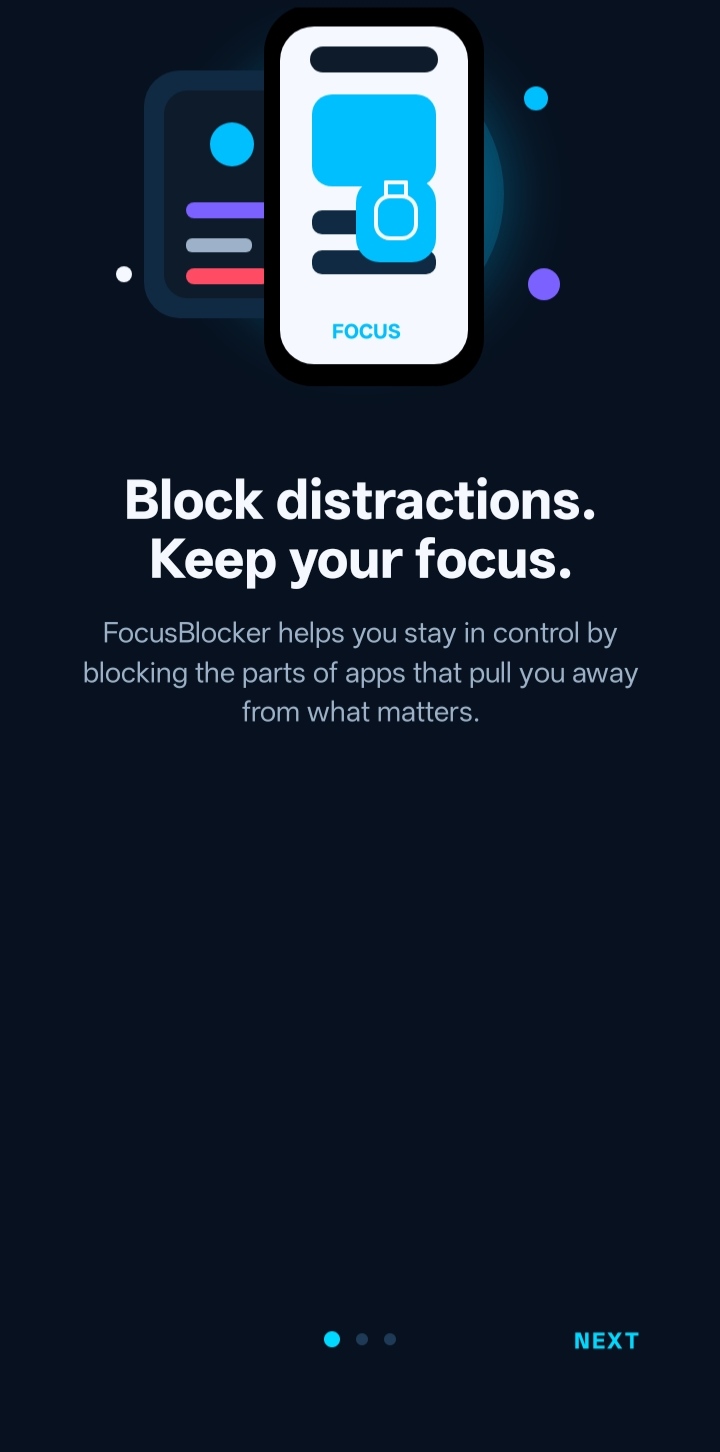
Launch FocusBlocker and follow the on-screen onboarding steps.
Tap Get Started and configure the app according to your preferences.
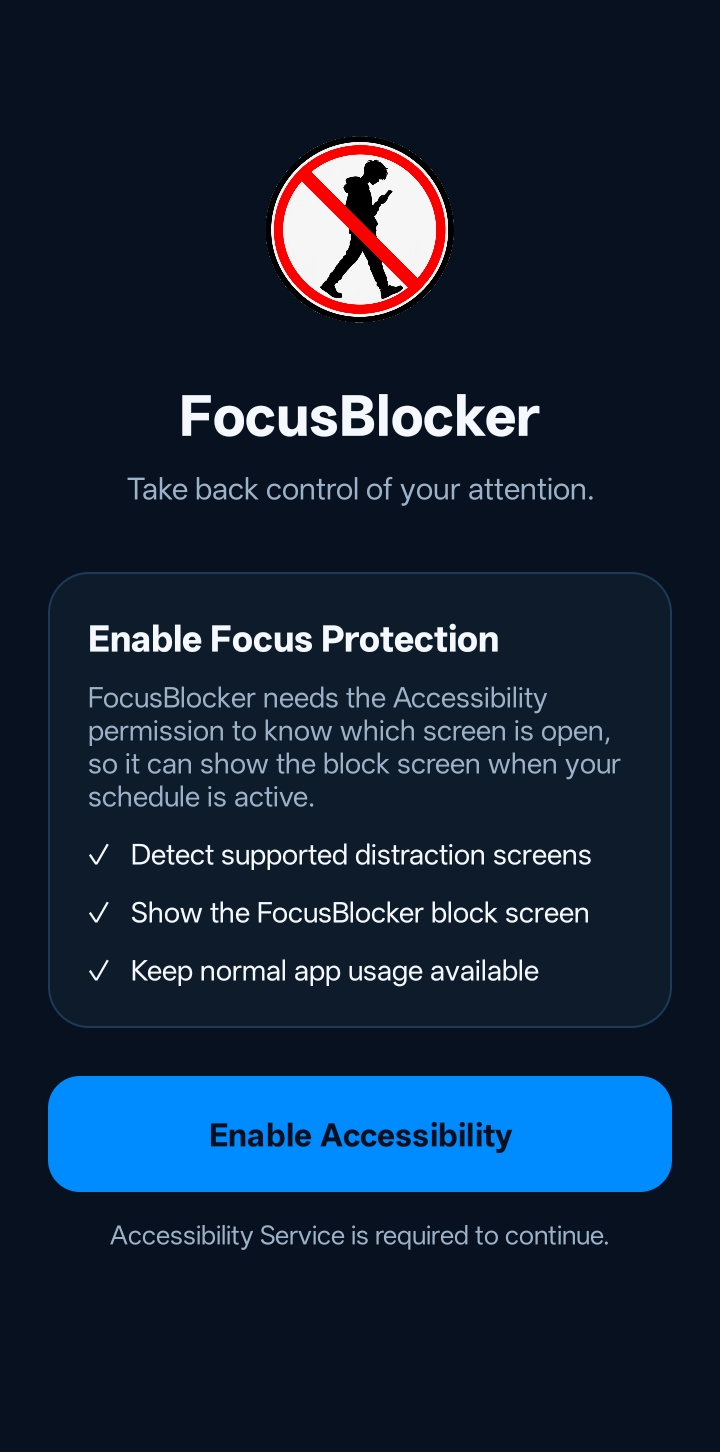
6. Enable Accessibility Service
FocusBlocker requires Android's Accessibility Service to detect and block supported distractions.
When prompted:
Settings → Accessibility → FocusBlocker → Turn On
Then return to FocusBlocker.
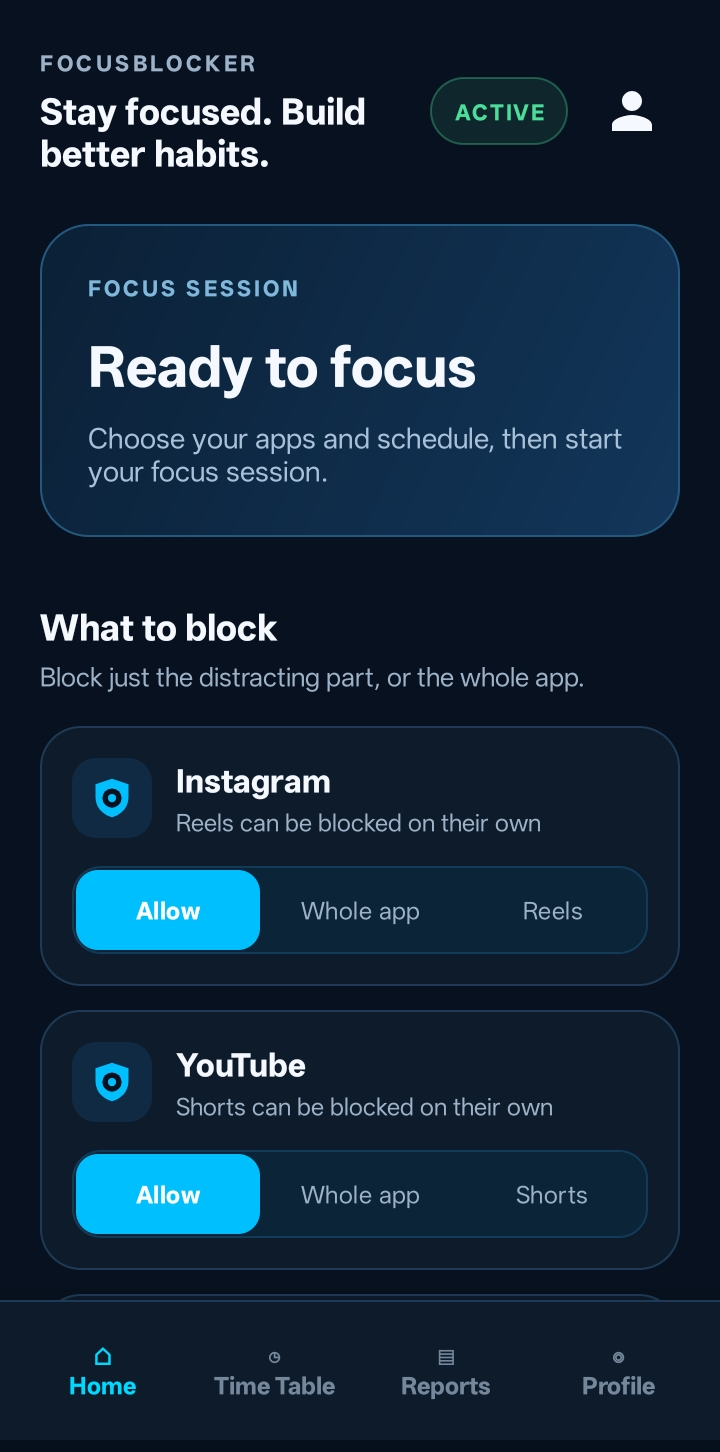
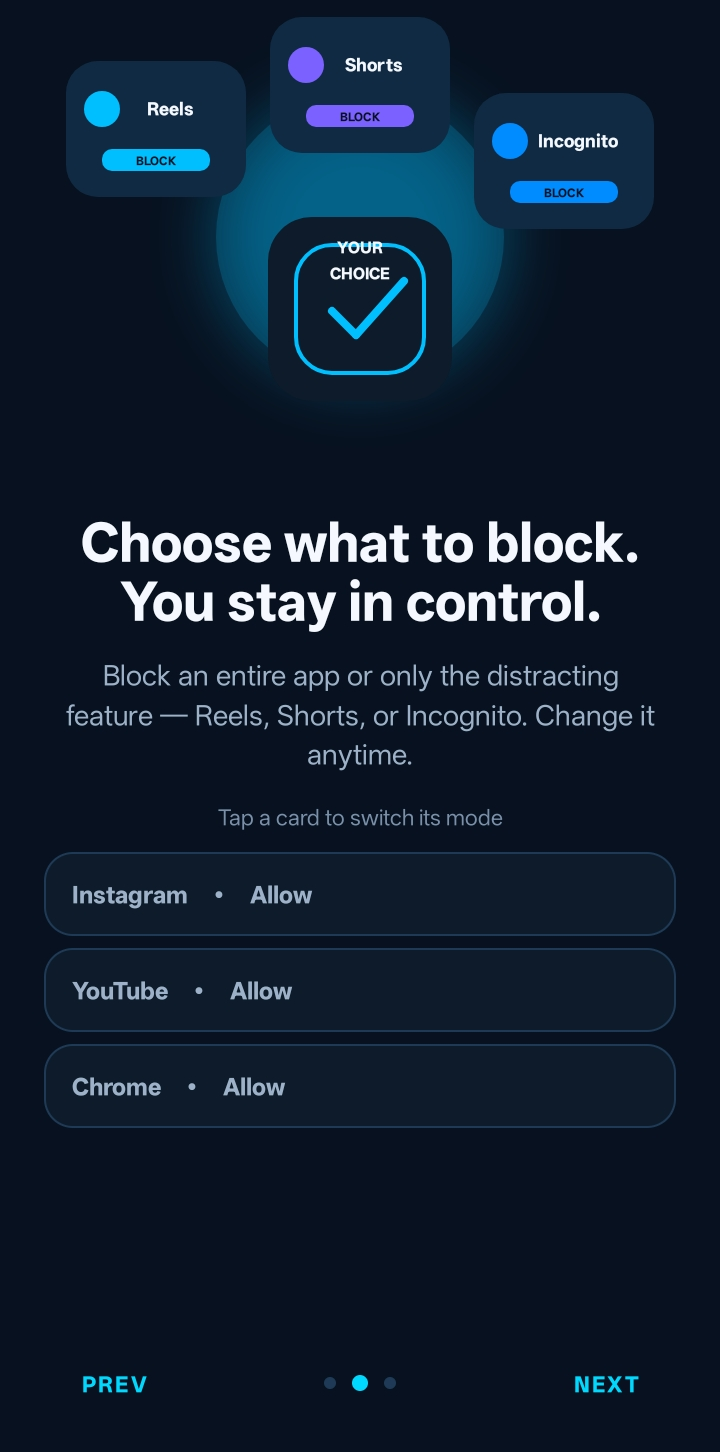
7. Select Your Distractions
Choose which distractions you want FocusBlocker to block.
For example:
- Instagram Reels — Instagram Home remains available
- YouTube Shorts — normal YouTube videos remain available
- Chrome Incognito — normal Chrome browsing remains available
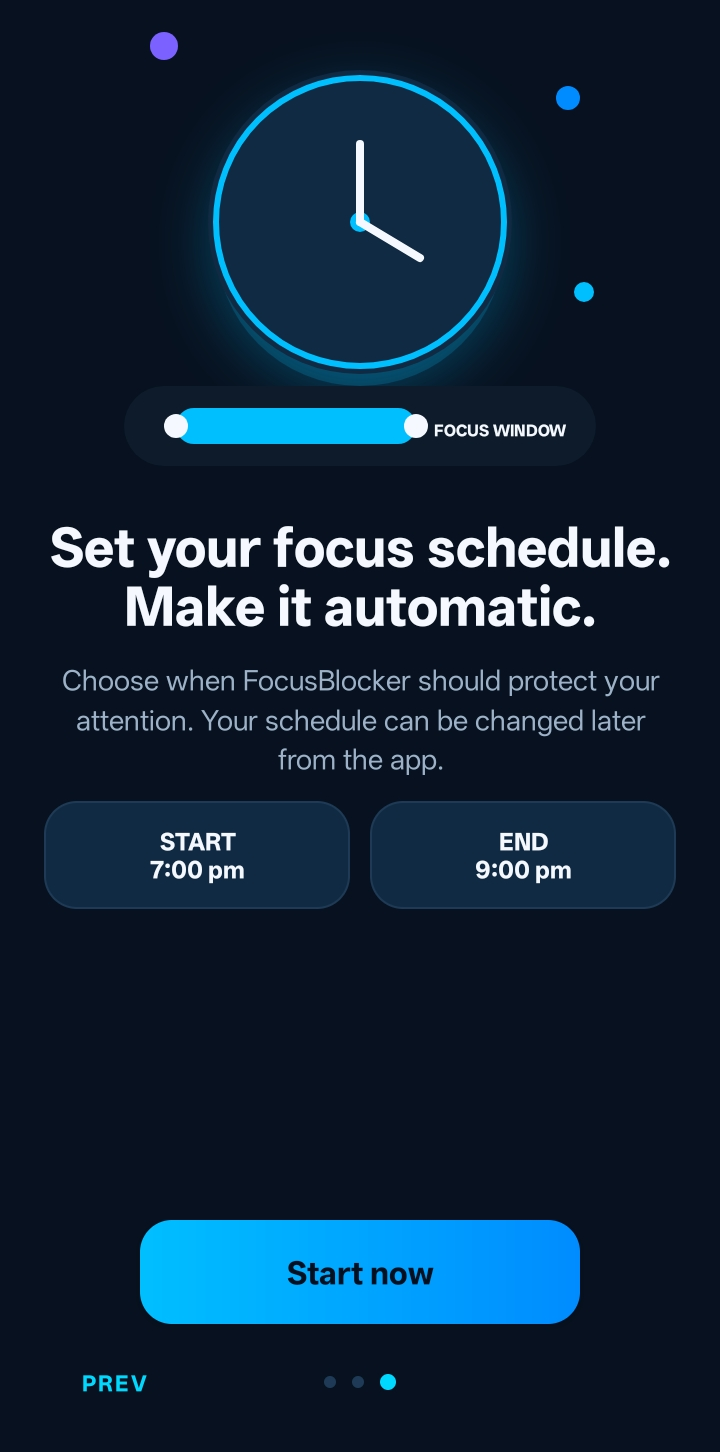
8. Set Your Focus Schedule
Choose when FocusBlocker should be active.
You can configure:
- Start time
- End time
- Custom focus periods or presets
9. Start Your Focus Session
Tap Start to begin your focus session.
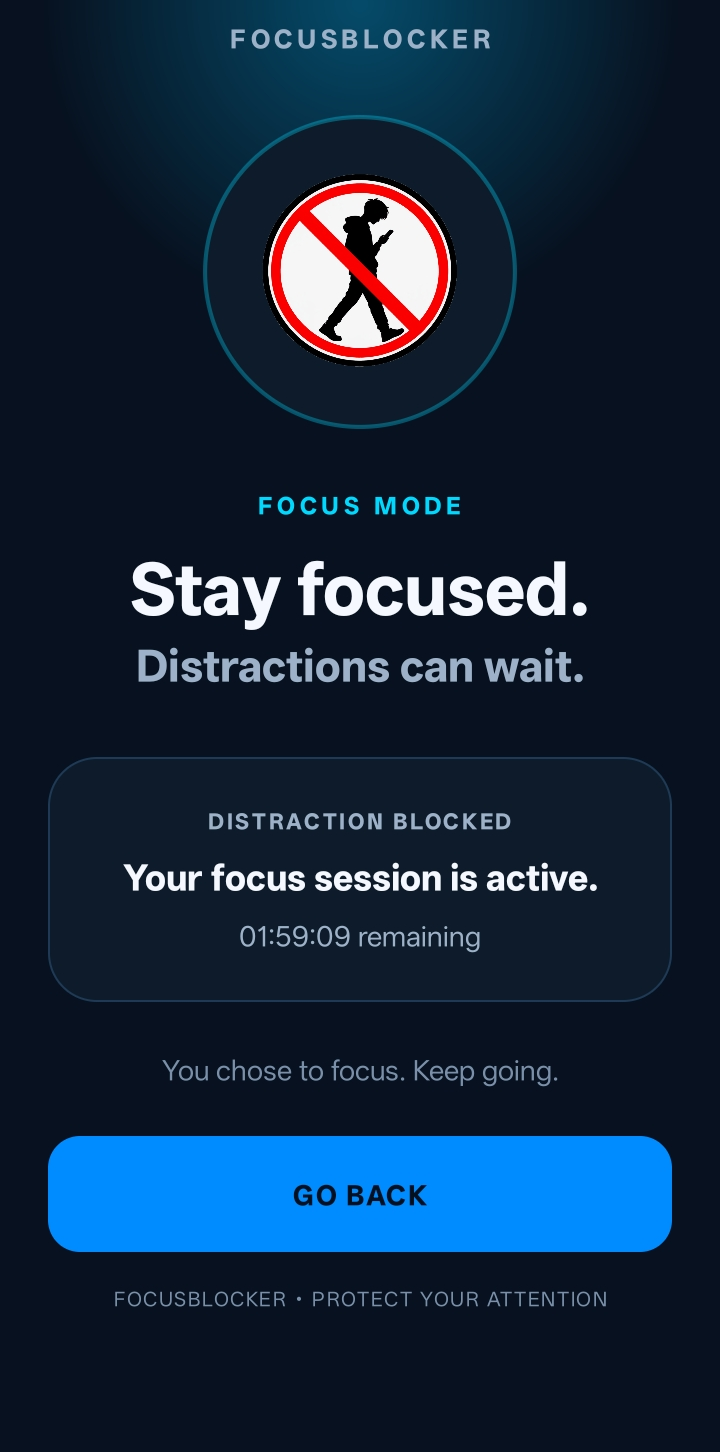
Your selected distractions will be blocked during the active focus period.
You're All Set! 🚀
FocusBlocker is now ready to help you stay focused with fewer digital distractions.
Requirements
- Android 7.0 (API 24) or newer
- Accessibility Service permission
- Sufficient storage for the APK
- A complete, non-corrupted APK download
⚠️ Important
FocusBlocker requires Accessibility Service access for its distraction-blocking functionality.
This permission can allow an app to observe certain interactions with the device. Only enable it if you understand and agree to the access requested by FocusBlocker.
FocusBlocker should use this access only for its stated distraction-blocking functionality.
Installation Troubleshooting
If FocusBlocker won't install:
- Make sure the APK download completed successfully.
- Re-download the APK if the file may be incomplete or corrupted.
- Make sure your device is running Android 7.0 or newer.
- If Android blocks the installation, check the Install unknown apps permission for the browser/file manager you used.
- Make sure you have enough free storage.
- If another version of FocusBlocker is already installed, try updating it normally or uninstalling the existing version before installing the new APK.
- Restart your phone and try the installation again if Android's package installer is temporarily stuck.
LESS DISTRACTIONS • MORE YOU
Download
Install instructions
How to Install FocusBlocker
- Download the FocusBlocker APK from this page.
- Open the downloaded APK on your Android device.
- If Android asks for permission to install an app from this source, allow installation for your browser/file manager.
- Install FocusBlocker.
- Open the app and complete the initial setup.
- When prompted, open Android's Accessibility settings and enable the FocusBlocker Accessibility Service.
- Return to FocusBlocker and select the distractions you want to block.
- Set your focus schedule and start your focus session.
Requirements
- Android 7.0 (API 24) or newer
- Accessibility Service permission
- Sufficient storage to install the APK
Important
FocusBlocker requires Accessibility Service access for its distraction-blocking functionality. Only enable the permission if you understand and agree to the access requested by the app.
If installation fails, make sure you downloaded the complete APK and that your Android version is supported.